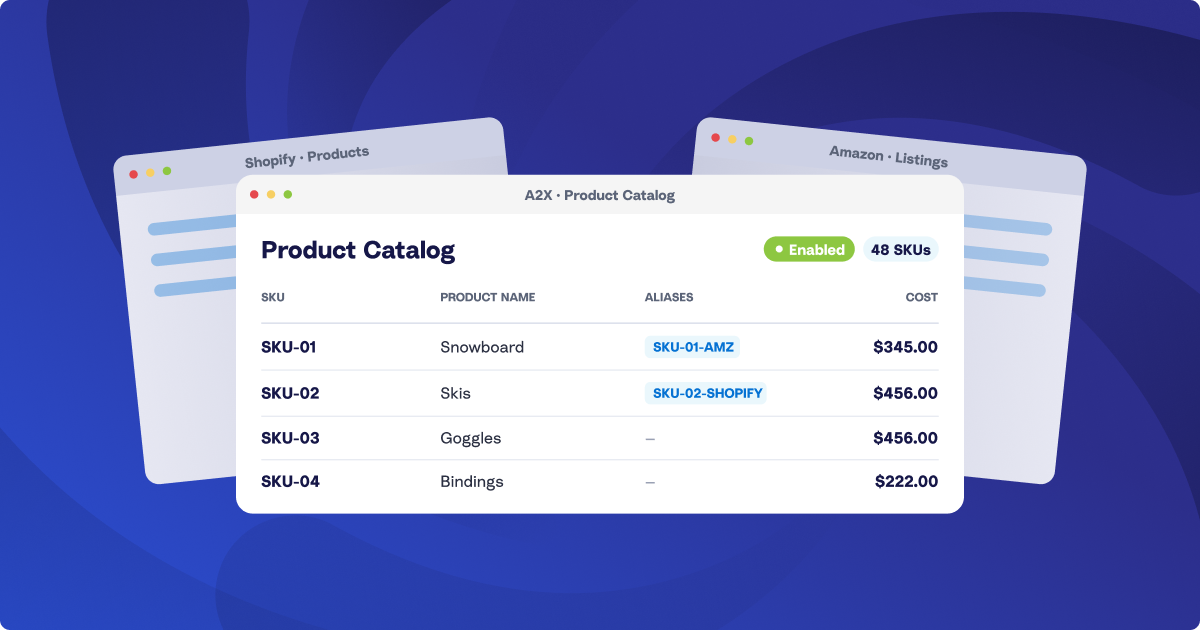
Introducing A2X Product Catalog: one set of product costs for every channel

A2X already calculates your Cost of Goods Sold (COGS) and posts it to your General Ledger (GL) alongside your sales, so you know your margins are accurate.
If you sell on one channel, without bundles or kits, that works well. You set your costs once, A2X applies them to every settlement, and your numbers are right.
A2X Product Catalog is for everyone else: sellers on two or more channels, anyone selling bundles or kits, and accountants managing COGS across multiple client accounts. Today, three channels means three A2X accounts and three separate cost lists to build and maintain. Every cost change is three edits, and the lists drift out of sync.
That’s why we’re introducing the A2X Product Catalog! Now, you set a cost once, at the organization level, and A2X applies it to every channel that SKU sells on.
How A2X Product Catalog works: one cost list for every account
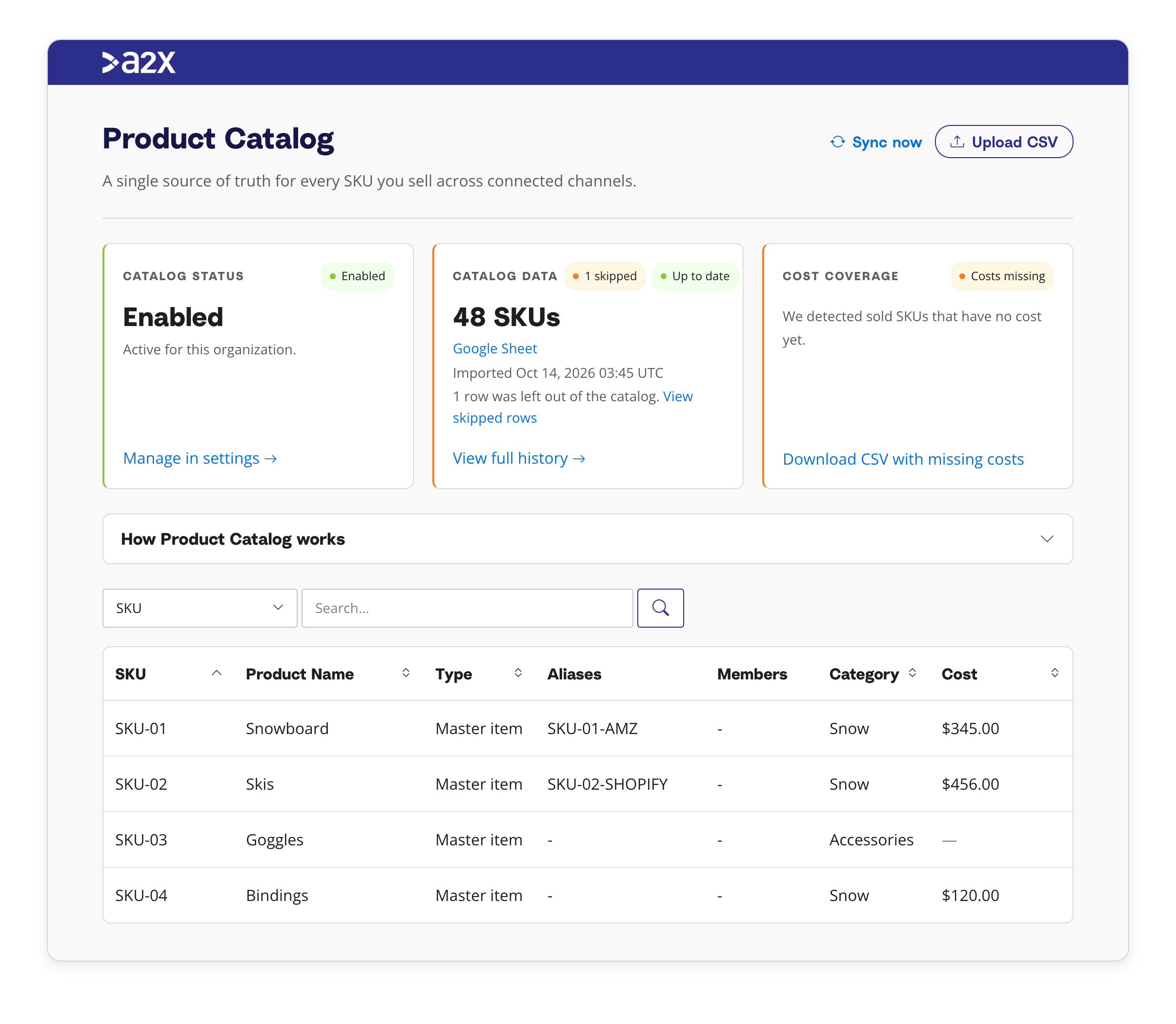
Product Catalog lives in your Organization Settings, above all of your A2X accounts. It holds every SKU, its cost, and any aliases in one list. All of your accounts with COGS enabled calculate from it. This means you can change a cost once and every channel picks it up.
A cost change is now one edit, not one per account, saving you time and ensuring your COGS are correct across all channels.
Grouping aliases, kits, and assemblies with A2X Product Catalog
Often the same product sells under a different SKU on each channel. A product’s SKU could be BB-CHK-340 on your Shopify store and BB340C-AMZ on Amazon. The product catalog allows you to set an alias that points the Amazon SKU to the master item, and both follow the same cost.
The product catalog also allows for kits, which handle SKUs that are bundled together. A kit lists the connected SKUs and leaves the cost blank, and A2X works it out from the members. So, for example, when your supplier raises their price, the gift pack that includes it updates on its own. If you’d rather set a bundle’s cost yourself, use an assembly: same structure, with the cost you enter.
With aliases and kits, you can cost a product once, no matter how each channel names or bundles it.
Managing costs that change over time
Every SKU cost upload has an ‘Apply from date’, so every settlement uses the costs for the correct period. This means a cost change in November won’t impact your October numbers. Setting up historic costs for a new client is also a lot easier, as you can do one upload and set it to the effective date.
The cost coverage card on the Product Catalog page shows whether every SKU you’ve sold has a cost, and gives you a CSV of the ones that don’t, making it much quicker to identify and apply missing SKU costs.
The same numbers in A2X Clarity and A2X Subledger
If you use A2X Clarity and A2X Subledger, this will calculate from the same catalog, so your reports will match the COGS in your books.
Getting started with A2X Product Catalog
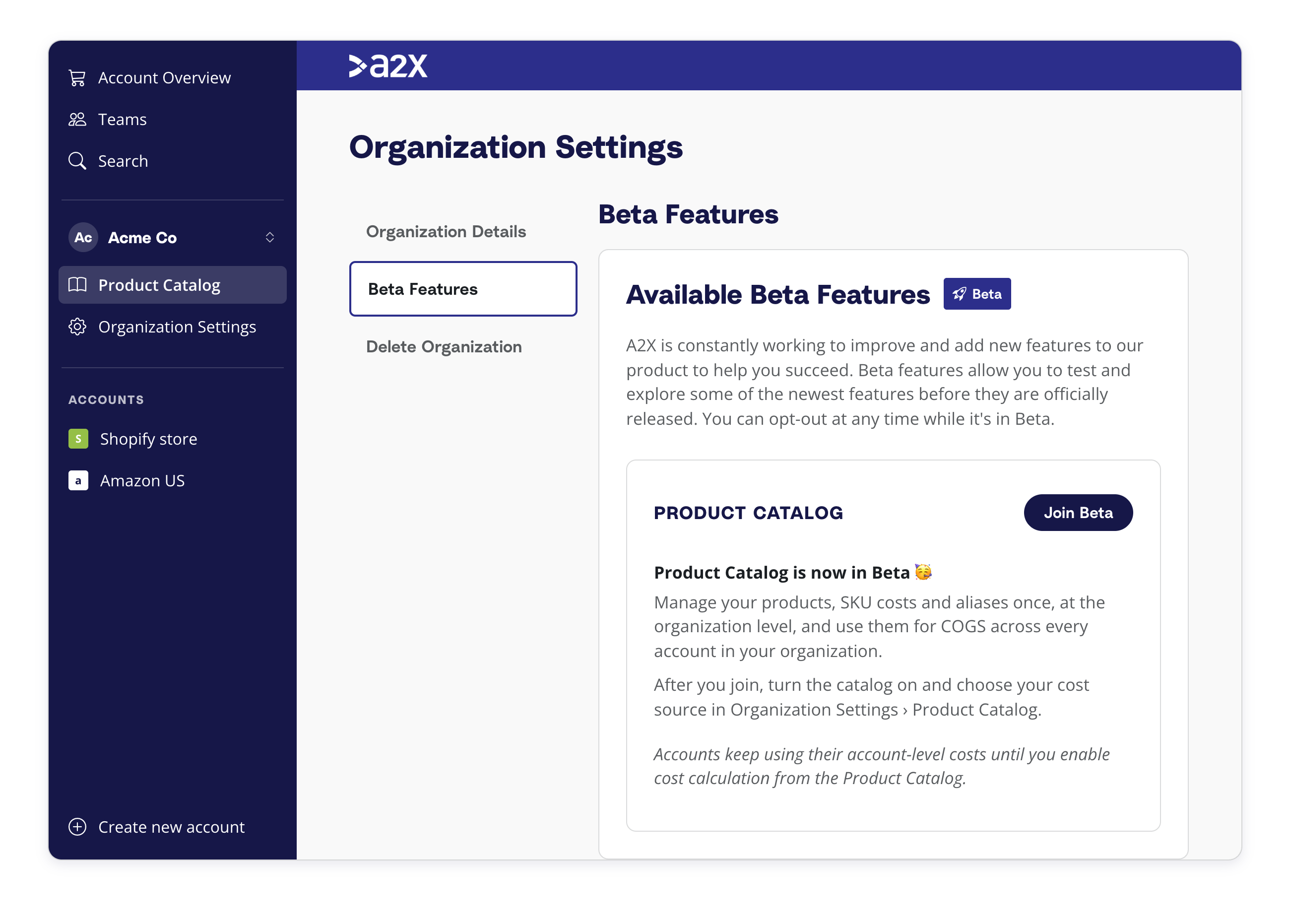
If you already have costs in your accounts, A2X merges them into a pre-filled catalog, so you can start from what you have instead of building from scratch. The setup guide covers switching it on under Beta features and enabling COGS on each account.
is part of A2X Additions, our November roundup of new features. See it in the live webinar on Thursday, November 19.
Save hours on your ecommerce accounting
A2X connects your sales channels and accounting software for fast and accurate monthly bookkeeping.
Try A2X today