Shopify Multi-Entity Accounting: The Complete Guide
Written by: Amy Crooymans
May 12, 2026 • 9 min read
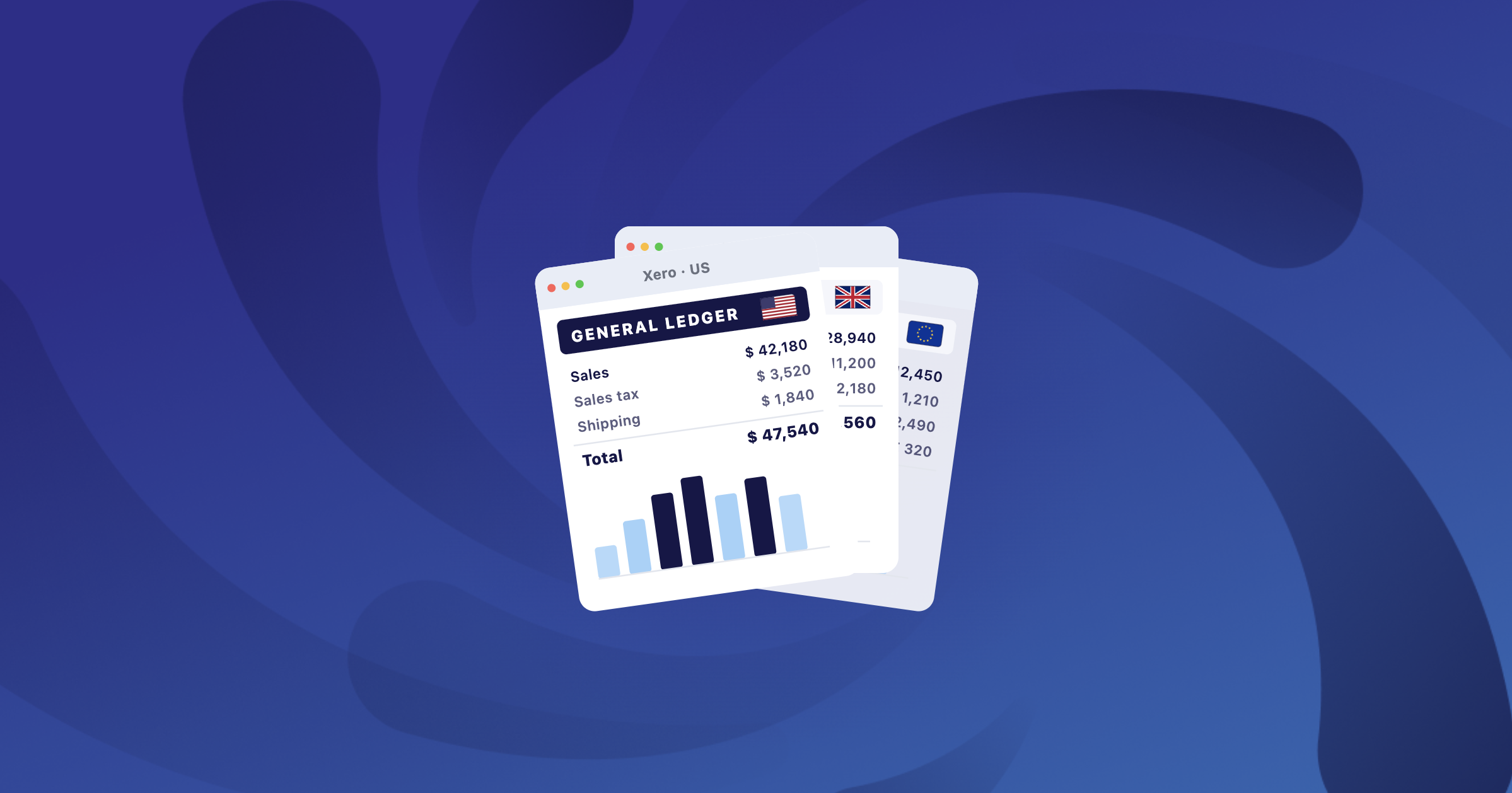
Shopify Business Entities lets a single Shopify Plus or Enterprise store operate under multiple legal entities, with each order, refund, and payout attributed to the entity that owns it.
The accounting catch is that this entity structure doesn’t carry through to your books on its own. When multiple legal entities transact through one store, the data lands blended by default, so your P&L, tax reporting, and reconciliation end up based on numbers that don’t match how the business is actually structured. This guide covers the full data flow: how Shopify assigns transactions to entities, how A2X controls which entity data reaches your books, and how your accounting software needs to be set up to receive it.
Key takeaways:
- A2X detects multiple Business Entities automatically when you connect a Shopify store, then lets you choose how that entity data flows into your books.
- All Entities mode syncs every entity into one A2X account for store-level reconciliation. One Entity mode isolates each entity in its own account for clean legal-entity accounting.
- The right mode depends on how your books are structured, not on how many entities you have. If your entities post to separate general ledgers, you want One Entity mode.
- Your A2X mode has to match your accounting software setup. Separate books per entity means separate Xero organizations or QuickBooks companies, each connected to its own A2X account.
The Accounting Challenge of Shopify Business Entities
Business Entities is a Shopify Plus and Enterprise feature that lets one store run several legal entities under a single storefront. A brand selling globally might run a US company for North American orders and a UK company for European ones, all through one checkout and one catalog, with different legal entities processing the transactions behind the scenes. ( Shopify’s documentation covers the configuration, which lives under Settings > Payments > Business Entities.)
Each entity is genuinely separate, with its own tax obligations and reporting requirements. The problem is that Shopify handles the entity split at the store level, and that split doesn’t automatically carry into your accounting software. Shopify assigns each online order to an entity by itself, based on Markets settings and the customer’s shipping or billing location, and assigns POS sales by the location the device is logged in to. You don’t see any of that happen, and a single payout can include orders from more than one entity.

So the data arrives in your books blended. Sales, fees, and refunds from different legal entities sit together in one place, which means you can’t report on any single entity, you can’t produce accurate per-entity tax figures, and reconciling a mixed payout becomes manual work. A business with 2 or 3 entities can lose hours a month to it: exporting reports, splitting transactions in a spreadsheet, and checking totals by hand before anything posts.

How Does A2X Handle Shopify Stores With Multiple Business Entities?
A2X gives merchants and their accountants control over entity scope at the point of connection. When you connect a Shopify store, A2X detects whether the store has multiple Business Entities. If it does, you choose one of two modes.
All Entities mode
All Entities mode syncs transactions from every entity into a single A2X account. Entity data is captured and visible in selected reports and exports, but transactions are grouped at the store level. Reconciliation matches Shopify’s Finance Summary, because both look at the whole store.
This is the right choice when all your entities post to one set of books. You manage the whole business through one accounting file and you want store-level reconciliation, so the entity split stays in Shopify and never needs to reach your general ledger.
One Entity mode
One Entity mode syncs transactions from only the selected entity. Each entity gets its own A2X account, posting to its own general ledger. Orders from the other entities aren’t imported at all, so order counts, billing, and reporting reflect only that entity’s activity.
This is the right choice when you maintain separate books per legal entity, each with its own accounting file, chart of accounts, and tax obligations. You want clean legal-entity separation at every layer, and A2X scopes the data going into each set of books correctly.
The scope is locked at connection, and that’s intentional. Every report, export, and reconciliation in that account reflects the same scope from day one, so there’s no ambiguity about which entities are included in the numbers, and month-end close stays fast.

What about billing?
In One Entity mode, your monthly order count is based only on the selected entity’s orders, so you’re not paying for orders that belong to a different entity. Each entity account gets its own subscription or counts as one channel on a premium or multichannel plan. See A2X pricing for details.
Why Your A2X Numbers Might Not Match Shopify’s Reports (and Why That’s OK)
In One Entity mode, A2X’s Finance Summary won’t match Shopify’s Finance Summary. This is expected and correct.
Shopify’s Finance Summary includes all entities and can’t currently be filtered by Business Entity. A2X in One Entity mode shows only the selected entity. That’s a scope difference, not a data problem: the data in A2X is correct and complete for the entity you selected. The numbers tie out to the entity, not to the store, and that’s exactly what you want for clean entity-level books.
Knowing this upfront prevents the month-end situation where the numbers don’t tie out and nobody can explain why. If you need to cross-check against Shopify’s Finance Summary, add together the numbers from each entity’s A2X account, as long as all entities are flowing through A2X. The A2X monthly export feature makes this easier by exporting totals into a CSV.
In All Entities mode, A2X’s Finance Summary matches Shopify’s, because both are store-level views.
How to Choose Between All Entities and One Entity Mode
The right A2X mode depends on how your books are structured, not on how many entities you have.
All Entities mode | One Entity mode | |
Best for | Merchants who manage all entities in one accounting file | Merchants who maintain separate books per legal entity |
GL setup | One A2X account, one Xero org or QBO company | One A2X account per entity, separate Xero orgs or QBO companies |
Reconciliation | Matches Shopify's Finance Summary (store-level) | Won't match Shopify's Finance Summary (entity-scoped, which is correct) |
Billing | Order count reflects the whole store | Order count reflects only the connected entity's orders |
Setup effort | Same as a standard Shopify connection | A few minutes per entity, plus mapping review |
When to choose this | Your entities share one set of books | Your entities have separate books, separate tax obligations, or separate charts of accounts |
Still not sure? Three questions usually settle it:
- Do your entities post to one general ledger or separate ones? If separate, you want One Entity mode.
- Do you use one accounting file for the whole store, or separate files per entity? If separate, you want One Entity mode.
- Are you set up to manage multiple A2X accounts and subscriptions? One Entity mode needs one account per entity. Most accounting practices already handle this through Xero HQ or QuickBooks Online Accountant.

A merchant with three entities but one set of books should use All Entities. A merchant with two entities and two separate accounting files should use One Entity. The mode follows the books.
How Does Your Accounting Software Handle Multiple Entities?
Shopify creates the entity structure. A2X scopes the data. Your accounting software receives it. This is the third piece of the chain, and getting it wrong means the other two don’t matter.
Xero
Xero uses “organizations” to separate financials. Each is a completely separate set of books, with its own chart of accounts, bank feeds, and reporting, and there’s no concept of sub-entities within one organization. If you need separate books per entity, you need separate Xero organizations. Each A2X account connects to one Xero organization, so One Entity mode maps cleanly: one entity, one A2X account, one Xero organization. Xero HQ and Xero Practice Manager let accountants manage multiple organizations from a single dashboard.
QuickBooks Online
QuickBooks Online uses “companies” to separate financials, and each is a separate set of books. For entity separation, you set up one QBO company per entity, each connected to its own A2X account. QuickBooks Online Advanced adds multi-entity management that consolidates reporting across companies, which helps if you need both entity-level separation and consolidated visibility for the parent business. Standard QBO plans don’t include this, so each company stays fully independent.
NetSuite and Sage
NetSuite handles multi-entity through NetSuite OneWorld, the version with native multi-subsidiary support. A2X maps a single A2X account to a single subsidiary, so three subsidiaries that each need their own clean journal entries means three A2X accounts. Sage varies by product and version, so confirm the right setup for your specific Sage product with your accountant.
How to Set Up A2X for Multi-Entity Shopify Accounting
For All Entities mode, the setup is the same as any standard Shopify connection. Connect once, choose All Entities, and you’re done.
For One Entity mode:
- Create one A2X account per entity.
- Connect each account to your Shopify store and select the relevant entity at the connection step.
- Use the copy mapping tool to replicate your existing mapping configuration across accounts.
- Review mappings against each entity’s chart of accounts.
- Set up subscriptions for each account.
The setup takes a few minutes per entity. Once it’s in place, each A2X account is a clean, isolated dataset for that entity’s financials. Step-by-step instructions are in our support guide on Shopify multi-entity setup.
Multi-entity Shopify stores need accounting that reflects how the business is actually structured. Every month spent on blended data is a month of entity-level reporting you can’t trust, tax filings based on approximations, and reconciliation that takes hours longer than it should.

A2X gives you explicit control over how entity data flows into your books. You pick the mode that matches your accounting structure, and A2X enforces that choice consistently. From the entity setup in Shopify, through the data scope in A2X, into the right organizations or companies in your general ledger, every layer is set up to match. For a deeper look at how ecommerce accounting accuracy works in practice, see The gold standard of ecommerce accounting.
Ready to set up multi-entity accounting on Shopify the right way? Try A2X free or book a call to talk with the A2X team.
Frequently Asked Questions

Save hours on your ecommerce accounting
A2X connects your sales channels and accounting software for fast and accurate monthly bookkeeping.
Try A2X today
ABOUT THE AUTHOR
Amy Crooymans
Amy Crooymans is the Product Marketing Manager at A2X. A member of the A2X team since 2020, Amy brings 10 years of marketing experience to the team and specializes in making complicated ecommerce accounting topics simple to understand. See for yourself in her A2X YouTube videos! Amy works closely …