Accurate and automated COGS for ecommerce
-
 Get real gross profit across Shopify, Amazon, and other channels
-
COGS post to Xero or QuickBooks, matched to your revenue
-
Already using an IMS? A2X works with Cin7, Finale, and more
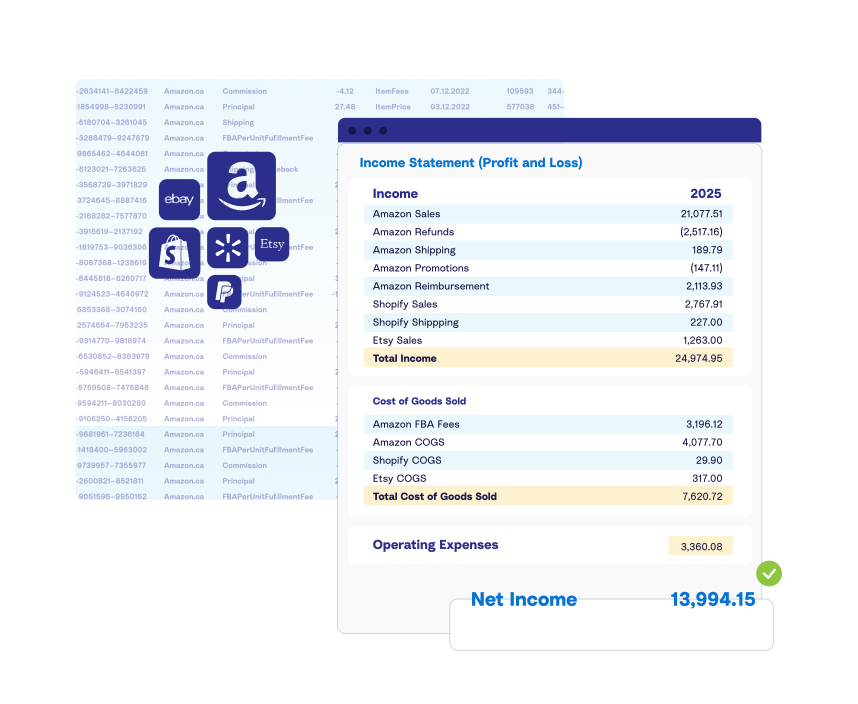
The #1 choice since 2014
Trusted by over 12,000 ecommerce businesses and their accountants





THE ECOMMERCE COGS CHALLENGE
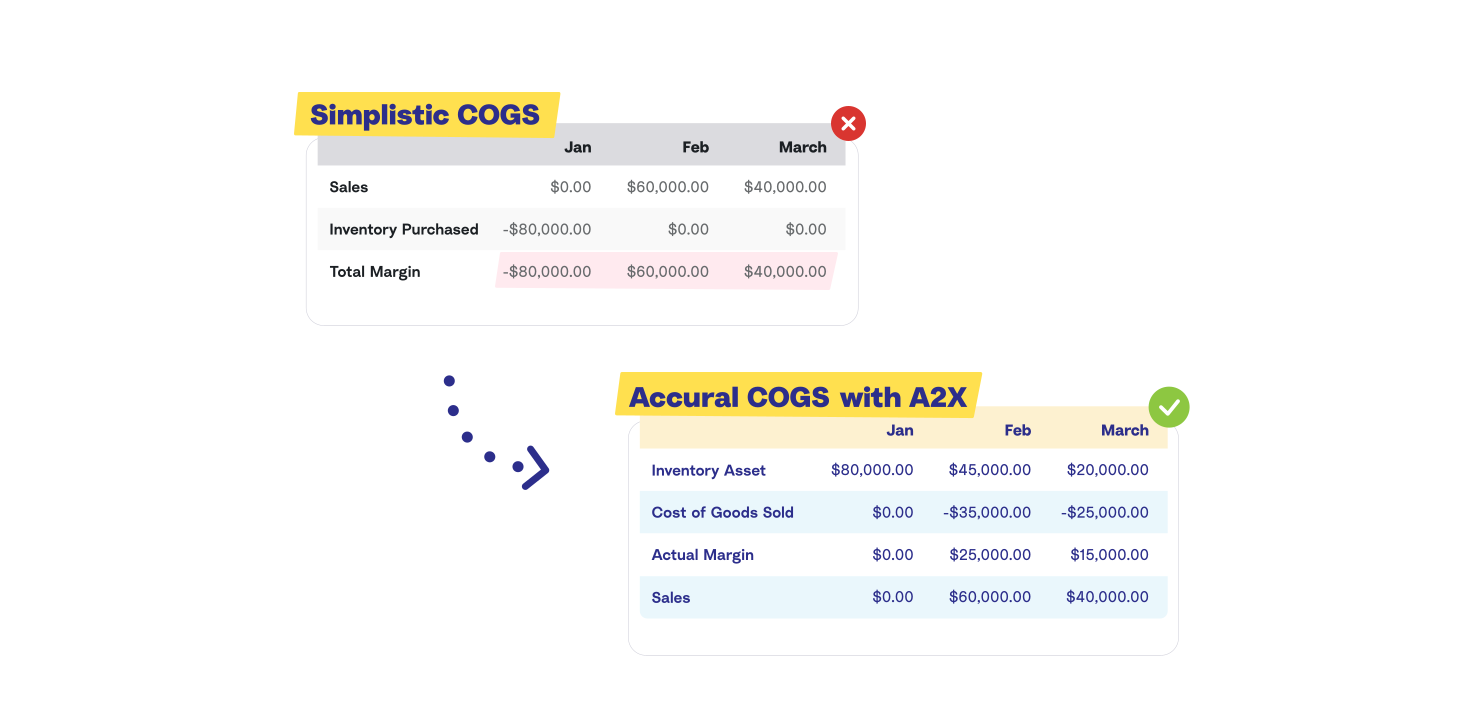
You know what you sold, you're not sure what you made
When inventory is expensed at purchase rather than at sale, your margins swing wildly month to month. A2X matches the cost of your goods to the revenue from selling them on Shopify, Amazon, and other channels, the way your P&L was always supposed to work.
AUTOMATED ECOMMERCE COGS IN XERO OR QUICKBOOKS
How the A2X COGS feature works
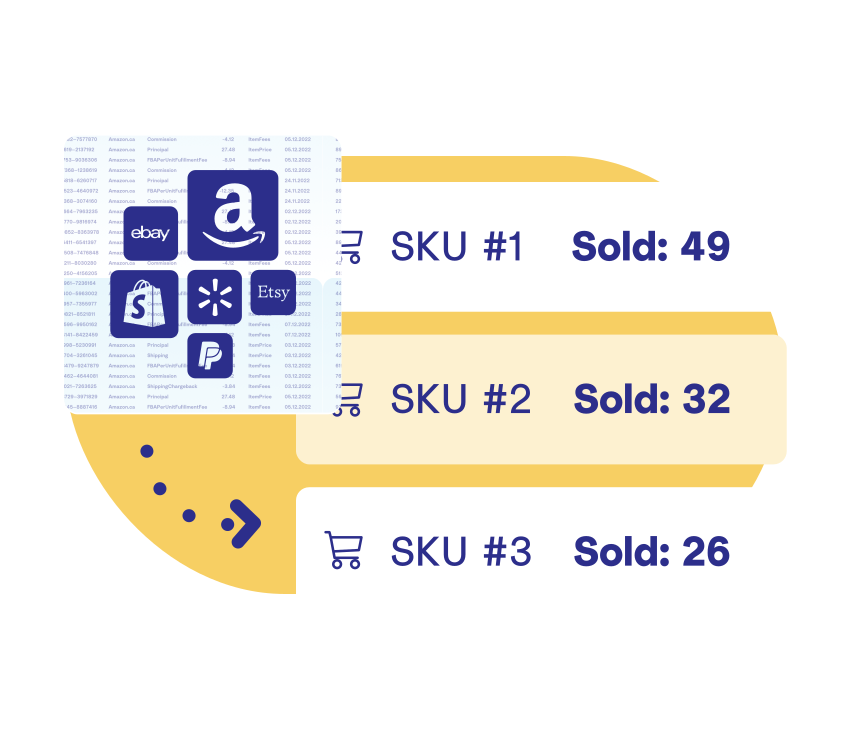
1. Fetch your SKU sales data
A2X automatically pulls sales data from Amazon, Shopify, and other channels — capturing every SKU sold and the quantity moved in each settlement period.
2. Add costs, your way
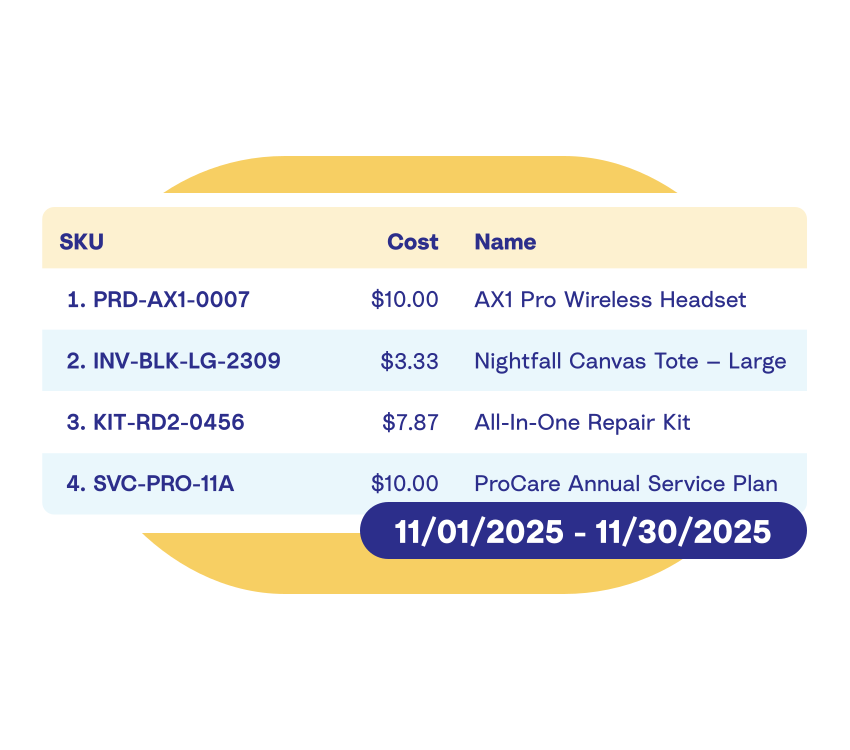
Add your SKU costs directly in A2X, upload a CSV, sync from Shopify, or connect your IMS – A2X keeps your costs current and uses them to calculate accrual-based COGS aligned with your sales periods.
3. Accurate COGS posted to your accounting software
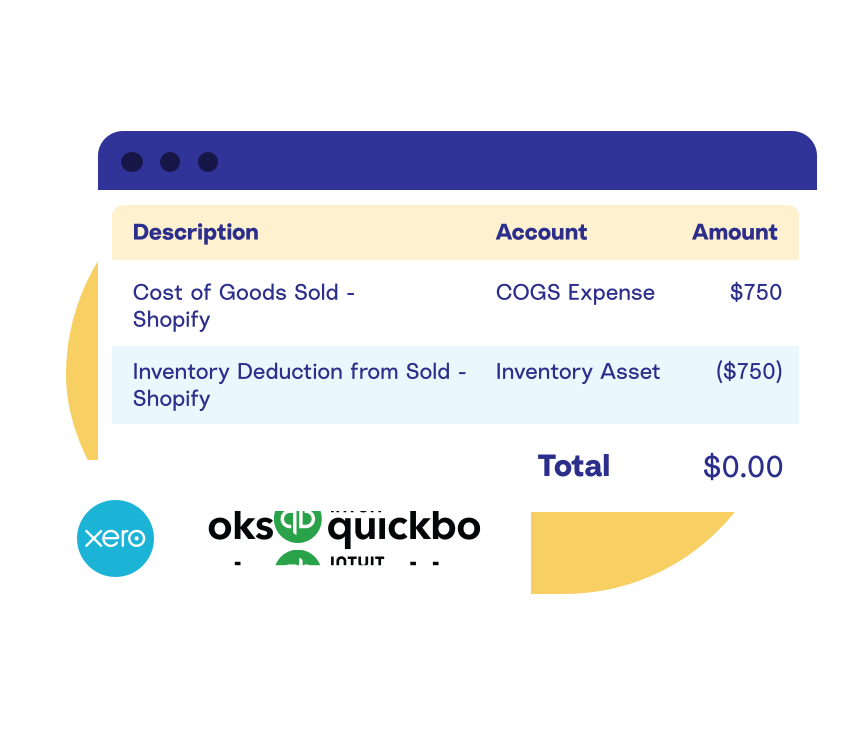
A2X posts to your COGS expense and inventory asset accounts — timed to your settlement, reconciled, and ready for review in Xero or QuickBooks.
INTEGRATIONS & WORKFLOWS WITH THE TOOLS YOU USE
However you manage your costs today, A2X works with it

Finale Inventory Integration
Automatically sync average costs from Finale into A2X daily — no manual updates required

Cin7
Using Cin7 Core or Omni? A2X handles your payout reconciliation — sales, fees, refunds, taxes — while Cin7 handles COGS, so each system does what it does best

Unleashed
Using Unleashed? A2X works alongside your inventory management to reconcile payouts, while Unleashed manages your COGS.

Shopify Cost Sync
Already managing costs in Shopify? A2X pulls them directly — and keeps them updated as they change

Google Sheet
Maintain your costs in a Google Sheet and A2X syncs automatically via a published URL

Cloud CSV
Store your cost file in Dropbox or Google Drive and A2X syncs it automatically on a schedule
Directly in A2X
Enter or update SKU costs directly in A2X's costs table — simple, fast, no external tools needed

FREQUENTLY ASKED QUESTIONS
COGS & Inventory Accounting by A2X
A2X's COGS feature is available on the Starter, Standard, and Premium plans. It's included as standard on most plans other than mini. No add-on or upgrade required if you're already on one of these plans.
A2X post COGS for each sales period, aligning with your ecommerce platform payouts. This ensures your COGS are posted with your sales entries.
For most integrations, A2X automatically updates SKU costs daily and you also have the option to run a manual sync to bring through new or updated SKU costs.
Navigate to your A2X account, go to Settings > Cost of Goods Sold, and enable the feature.
If your COGS calculation spans the end of a month, A2X handles this by splitting the COGS entries to align with your accounting periods. This ensures that your financial statements accurately reflect the cost of goods sold in the correct month, maintaining precise monthly reporting.
A2X also has a solution that links with Xero-tracked inventory. However, we don't recommend it if your seller has a large number of SKUS as it can be hard to manage a large level of stock in Xero. If you would like to know more, please reach out to our Customer Success team.
Yes, A2X's COGS feature can integrate with various Inventory Management Systems (IMS), including Finale and Settle.
If A2X doesn’t have a direct integration with the IMS you’re using, you can still use A2X and your IMS; it will just need to be configured so there is no duplication of data posting. For example, you can configure A2X to work with both Cin7 Omni and Cin7 Core. Click here to find out more in the A2X support center.