
Amazon Deferred Transactions: Automated Accruing Entries

Amazon’s DD+7 payment policy can hold funds for weeks after an order ships, and until recently, that made accurate accrual accounting genuinely difficult. Revenue fell into the wrong month, Cost of Goods Sold (COGS) didn’t line up, and the only fix was a manual spreadsheet at month-end.
Now there’s a better way. A2X can now accrue those deferred transactions automatically, so your financials reflect when revenue was actually earned, not just when Amazon released the funds.
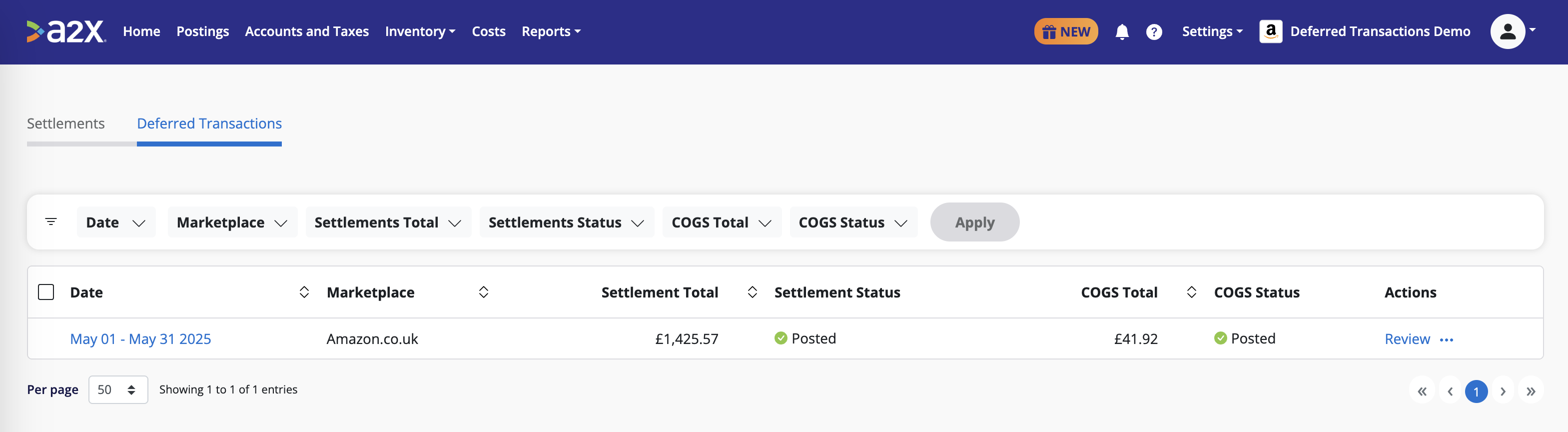
What you get with Monthly Adjustments for Amazon Deferred Transactions:
- Correct period recognition: Deferred transactions accrue into the month they were earned, not the month Amazon released the funds
- Revenue and COGS in sync: Corresponding fees and COGS move into the right financial period automatically
- Self-reversing entries: The accrual unwinds automatically when Amazon releases the funds (no manual journal required)
These entries can be created from April 2025 onwards.
To enable, go to Settings → Deferred Transactions and configure your hold/asset account for deferred balances. Read this helpdesk article on Amazon Deferred Transactions for full setup details.
Save hours on your ecommerce accounting
A2X connects your sales channels and accounting software for fast and accurate monthly bookkeeping.
Try A2X today